Easy to use
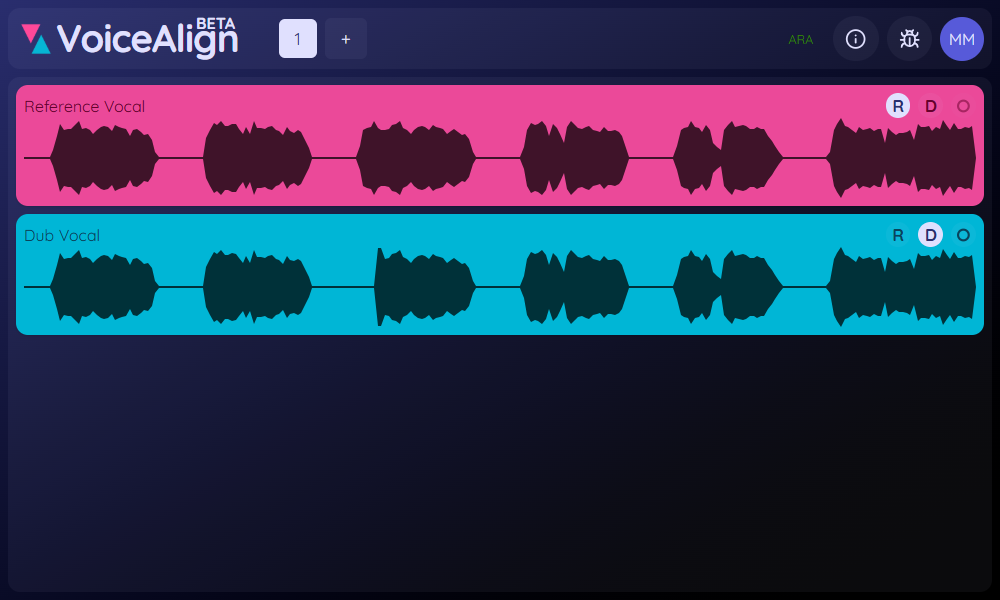
Integrates directly with your DAW by using the ARA interface.
Powerfull
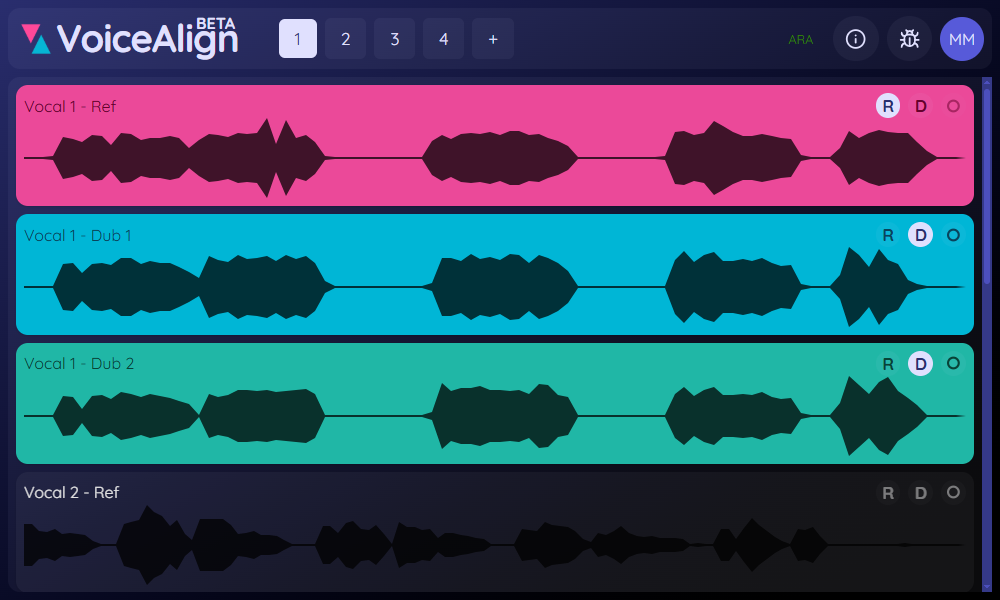
Aligns multiple tracks to your reference vocal.
Supports most DAWs
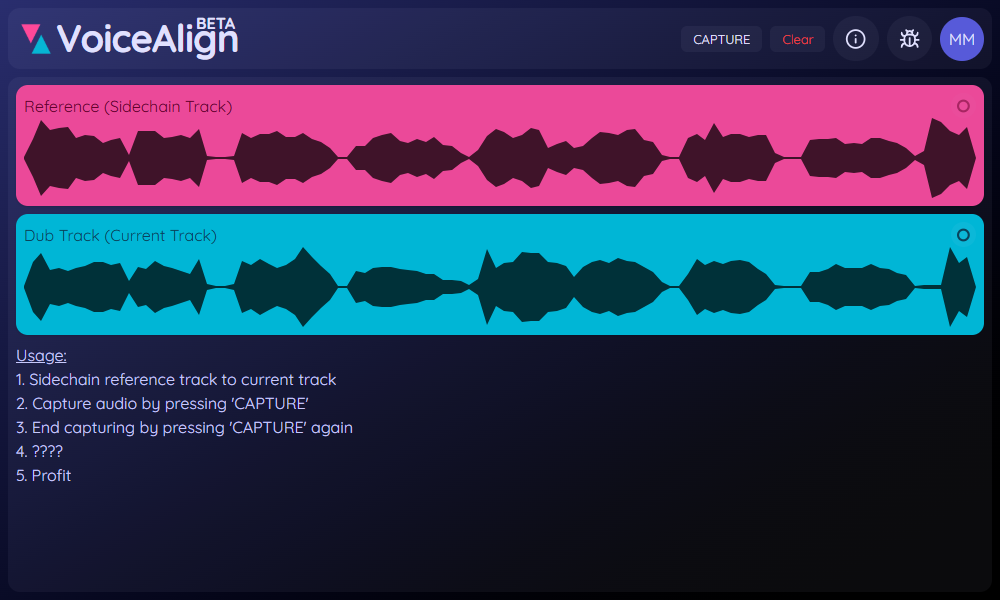
No ARA? - No Problem! Use side chaining to capture reference and dub vocals simultanously.
Feedback from early access users
Listen to examples
Female vocals
Before
After
Male vocals
Before
After
Stay up to date!
Subscribe to stay informed about new features and offers.
Get in touch
FAQ
VoiceAlign supports the following DAWs:
- Ableton
- FL Studio
- Logic Pro
- Studio One
- Reaper
- Cubase
- GarageBand
- ...
The following DAWs are not supported:
- Pro Tools
VoiceAlign needs to be set up with side chaining. To do this, go into the plugin settings
and select the correct input busses.
Yes, VoiceAlign is free to use while in early access. It will remain in early access until
~03/31/2026.
VoiceAlign can be removed by deleting the plugin files from your system.
macOS:
- AU: /Library/Audio/Plug-Ins/Components/VoiceAlign.component
- VST3: /Library/Audio/Plug-Ins/VST3/VoiceAlign.vst3
Note: These locations may be hidden by default
Windows:
- VST3: C:\Program Files\Common Files\VST3 or user defined path
Removing the plugin will not affect your audio files or projects.